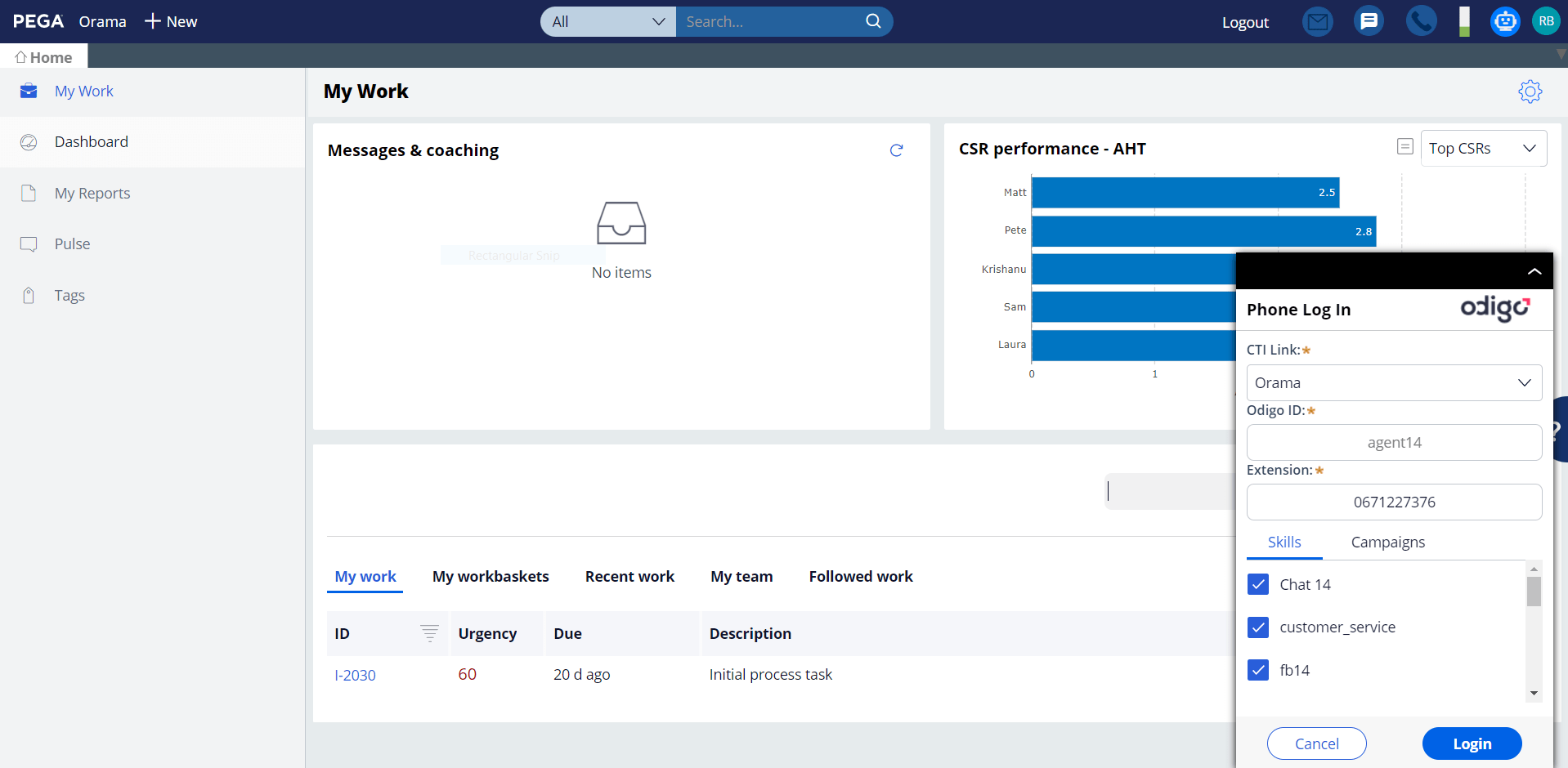
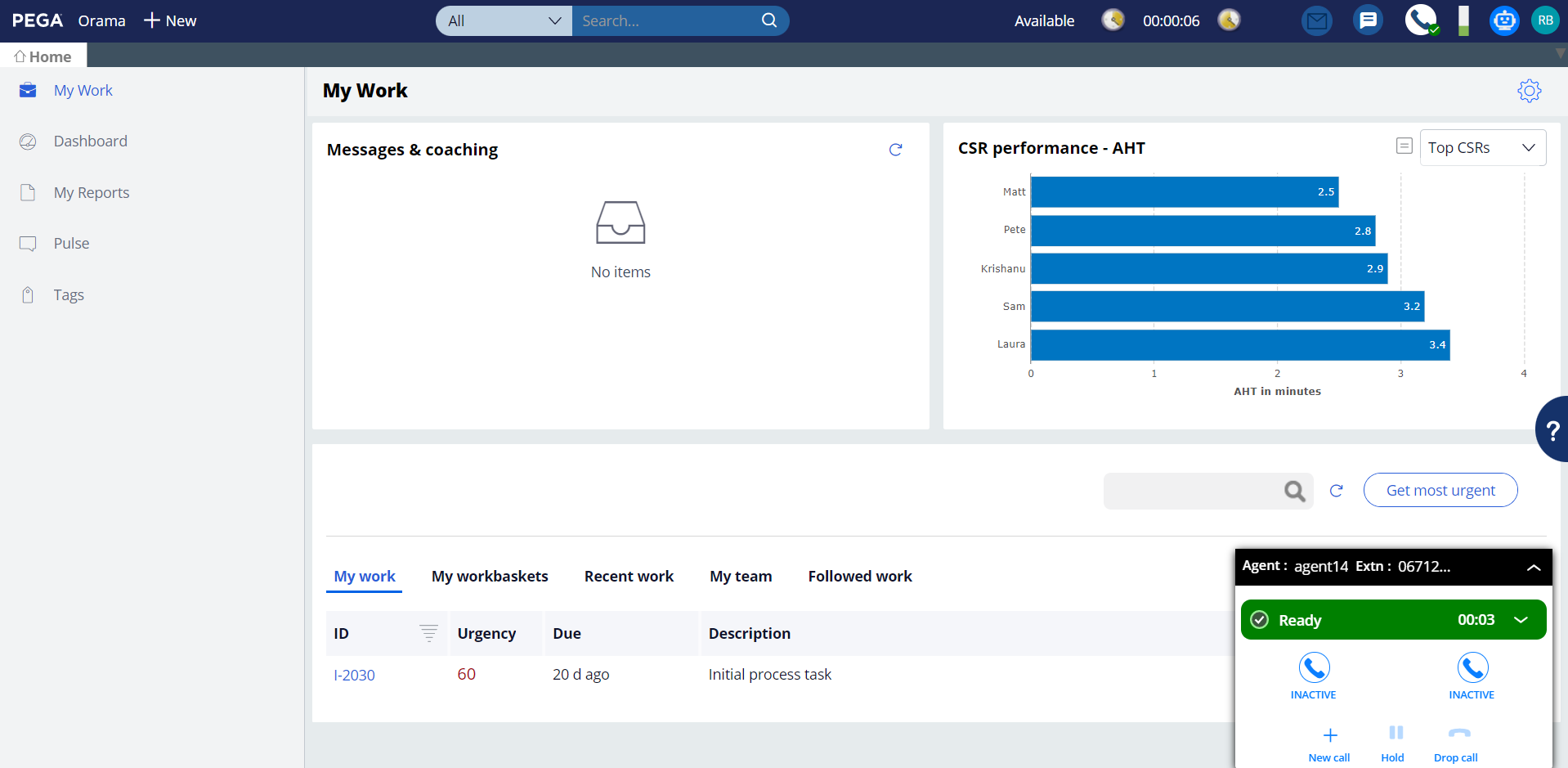
Odigo offers a CRM connector with Pega to reduce business complexity and provide a seamless use of Odigo software. Using Case Management, Pega Call can capture all agent interactions in a workflow process. Odigo’s CTI events are processed by Pega Call, triggering screen pops within your Customer Service application.
Beneficios
To use Odigo within your customer service application
To easily manage agents’ skills and status
To improve overall customer experience
To provide state-of-the-art CX tools to your agents
Características
Skill Management
Agents can select a skill directly on the CTI banner (Free Seating).
Status Management
An agent can manage his presence status such as ready; not ready and logout on the Odigo Agent Banner. Agent states can also be personalized and put in disposition in the list of status.
Call Control supported
for Outbound & Inbound Calls. Hold & Resume, Transfer (Blind & Warm), Switch between Parties, Conference. Agents can perform Outbound Calls from the Dynamic phone book. They can receive inbound calls via IVR with or without preview.
Listen Indicator
When a supervisor is listening to the agent, the following icon will indicate whether or not the agent line is being listened.
Click to call
Agents can dial telephone numbers with a single click on a hyperlink.
Call Qualification Pop-up
Allows the agent to fill a qualification form at the beginning or at the end of a call (wrap-up time). Agents can qualify with or without call reason of any incoming callback campaign call.
Medios de comunicación
Agent logging to Odigo from Pega
Agent connects to Odigo from Pega, SSO ensured
Agent logged and available
Agent is logged on various channels, ready to take incoming calls